Why Some Tax Case PDFs Are Hard to Search
You can open a tax case PDF, see every word on the page, and still get no result when you search for an obvious phrase. A scan can look like a document to a person while remaining only an image to software. Another PDF may have a text layer, yet its search results miss a name, split a docket number, or read a table in the wrong order. The practical response is to understand what kind of file you have and treat search as a way to locate candidate passages, not as proof that a phrase is absent.
This guide explains the reading problem for public case archives. It does not tell a party how to file documents or evaluate a case. Examples are hypothetical and avoid real personal details. If a fact matters, confirm it against the visible source page and, when needed, an official current copy. An archive transcript is useful, but it is not a replacement for careful reading.

A page image is not the same as searchable text
A scanner records the appearance of paper. The resulting PDF may contain a photograph or bitmap of each page, with no characters for the browser to search. You can zoom and read it because your eyes recognize letters, but a text search has nothing to match. Adobe’s documentation describes this distinction directly: an image-only scanned PDF needs optical character recognition, or OCR, to create a searchable text layer.
Not every PDF began as a scan. A document exported from a word processor may already contain selectable text. An archive can also contain a mixture: one page is generated text, another is a scanned attachment, and a third is a photographed exhibit. A successful search on the first page does not prove that the entire file is searchable. Test more than one page if your conclusion depends on coverage.
Try selecting a short, ordinary word in the visible page. If nothing selects, the page may be image-only. If a rectangle selects the whole page rather than individual characters, that is another clue. If text selects but copying produces nonsense, the PDF may contain a faulty character map or poor OCR. These are clues, not a complete technical diagnosis, but they tell you why a search result may be unreliable.
A useful first test
Pick a clearly visible word that is not in a header repeated on every page. Search for it inside the PDF viewer. If there is no match, try another visible word on a different page. Then copy a short passage into a temporary note and compare the copied characters with the image. If search and copy both fail, treat the file as visually readable but not reliably machine-searchable. If one works and the other fails, note the inconsistency rather than assuming full coverage.
For a consequential fact, you can skip the technical diagnosis and read the page visually. The reason to test is to understand what a negative search result can and cannot tell you. “No match” is about the search mechanism; “the phrase is absent from every page” requires more review.
OCR adds a second representation of the page
OCR software analyzes the image and produces characters that can be selected, searched, or read aloud. Some PDF workflows place this text behind the scanned image, preserving the visual page while adding a hidden text layer. A website may also display extracted text separately above or beside the PDF. These representations make archives easier to navigate, but they are interpretations of the image made by software.
The quality of that interpretation varies. A clean printed page may produce accurate text. A faint stamp, crooked scan, handwritten note, unusual font, multi-column page, or low-contrast photocopy may not. The digit “0” can become the letter “O.” A hyphen in a docket number can disappear. A heading can be joined to a neighboring column. Adobe recommends reviewing OCR output for accuracy and completeness; the W3C’s PDF accessibility guidance likewise calls for checking that text was converted correctly and in a sensible reading order.
That does not make OCR useless. It is excellent for finding likely pages in a long file and for making many documents more accessible. The important distinction is between locating a passage and validating it. Search can point you to a page; the page image and its context establish what is visibly there. For a name, number, date, monetary amount, or outcome, check both.
Why a name or docket number may be missed
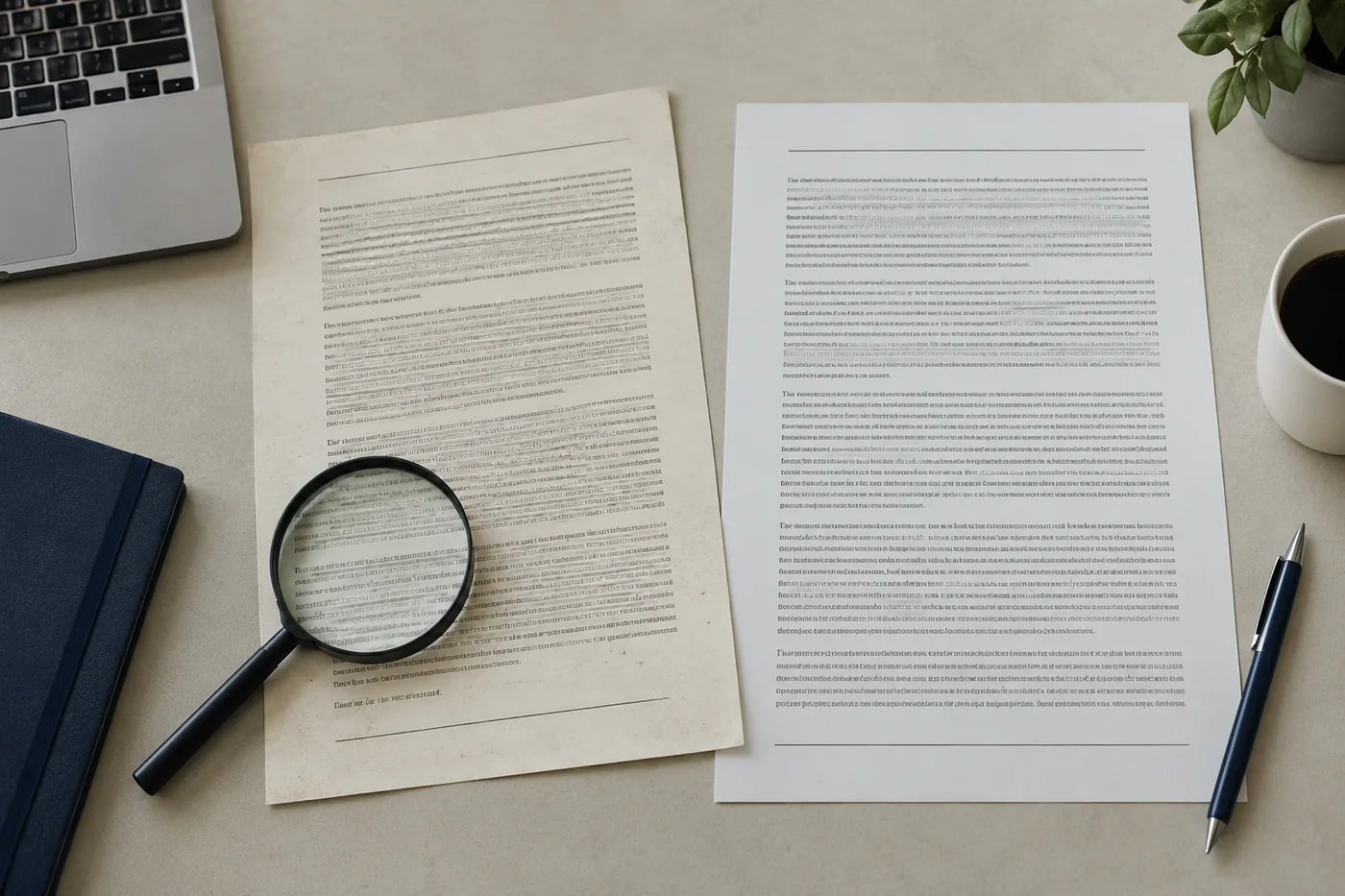
Names in public case files are not always formatted consistently. A caption can use initials, a middle name, an entity suffix, or a shortened form. OCR may split a surname at a fold or mistake letters with similar shapes. A search for the full exact name can fail even when the person is visible in the PDF. Try a short distinctive part of the name, then inspect any nearby results. Do not treat a fuzzy hit as proof that two names identify the same person.
Docket numbers have their own problems. Hyphens, leading zeros, and division suffixes can be lost or spaced inconsistently. A system may tokenize “26-003520-TT” as several pieces; OCR may turn “1” into “I” or “5” into “S.” Search a shorter segment, then compare the complete number against the visible PDF and the record page. If the number is partly obscured, preserve the uncertainty instead of forcing a match.
Search systems can also normalize punctuation or ignore it. A phrase search might find variants you did not expect, or fail when line breaks split the words. A negative exact-phrase search is especially weak evidence in a scanned file. Search several distinctive terms, inspect the page list, and read the relevant section manually.
The site’s guide to avoiding mistaken identity is relevant here. OCR can suggest candidate matches, but identity requires more than a name string. Case number, jurisdiction, party role, date, and the visible source context should all be considered before connecting a record to a person.
Tables can be readable but out of order
A table may look perfectly clear in the rendered PDF while extracted text jumbles its cells. OCR usually works from spatial clues. If a page has several columns, it may read across the page, down one column, or through a footnote at the wrong moment. A copied passage can place a tax-year heading beside the wrong value. Search results may still locate the page, but the text alone may not preserve the row-and-column relationships.
For a table, identify the printed headers, row labels, units, and any footnotes on the image. Read one row at a time. If you need to summarize a value, record the exact page and the two labels that locate the cell. “Value: $100,000” is incomplete. “The 2025 row under assessed value shows $100,000” is a source-checkable statement, provided the visible table actually says that. The number is hypothetical here.
Multi-column notices create similar errors. A name in the left caption column can appear next to an instruction from the right column in a plain-text extraction. When a sentence sounds grammatically odd or makes a surprising claim, inspect the layout. The visible page may reveal that two separate blocks were merged. A paragraph copied from a PDF should not be quoted as continuous prose until its reading order is confirmed.
A visual cross-check for structured pages
Start at the top of the page and mark its regions: header, caption, body, table, signature block, and footer. In the extracted text, see whether those regions appear in a plausible order. Then compare any critical line with the image. This short cross-check catches many false combinations without requiring technical PDF tools.
If the page is rotated or sideways, orient it before checking columns and signatures. Rotating the viewer changes how you see the image; it does not necessarily repair the underlying text layer. An archive may provide a corrected reading copy, but you should still verify that no content was clipped during conversion.
Scans can lose information before OCR begins
Sometimes the issue is not recognition but the source image. A cropped margin may remove the end of a line. A light stamp may be barely visible. A folded page can hide text. Compression can blur small print. OCR cannot recover words that are not legible in the image. A clean-looking transcript may even conceal the problem by silently skipping the damaged area.
Look for visual warning signs: text touching the page edge, abrupt sentence fragments, uneven contrast, missing page corners, or a table whose last column is cut off. If the PDF shows these problems, describe the limitation. Do not fill gaps from context or from what a similar document usually says. A second copy from the official source may help, but make clear which copy supplied the fact you report.
Check page count as well. A file that opens to page one might contain several appended documents. Conversely, a download could fail partway or a viewer may display a thumbnail before loading the full PDF. Confirm that the expected pages are present before claiming you reviewed the file. A missing final page can be particularly important when a decision or signature appears there.
An archive may improve a reading copy by rotating pages, OCRing scans, or converting office files to PDF. Such processing can increase usability, but a processed copy should be reviewed for missing content, changed layout, and clipped tables. The visible content remains the thing to compare. Searchability is valuable only if it stays faithful to the underlying document.

Use full-text pages as maps, not as isolated proof
Some archives publish a separate HTML page containing extracted, page-labeled text from a PDF. This can make a file accessible to ordinary browser search and help readers find a passage without scanning every image. Page labels are important: they let a reader return to the PDF page for confirmation. A full-text page should also make clear when the text came from OCR and could contain errors.
When a full-text page says “Page 4,” navigate to page 4 in the embedded PDF and check the passage there. The page label is a bridge, not a citation by itself. If the PDF has printed page numbers that differ from the viewer count, note both. For example, “viewer page 4, printed page 2” tells another reader where to look. If the text page has no corresponding visual page, the archive may have a mismatch worth reporting.
Do not assume that a long extracted-text page captures stamps, handwriting, diagrams, or tables fully. OCR focuses on characters and may omit visual context. A checkmark, strikethrough, handwritten correction, or seal may affect interpretation but not appear in text. For important statements, inspect the PDF even when the HTML transcript reads smoothly.
The same principle applies to excerpts on a record page. A short excerpt can show that a document contains relevant words, but it is not the complete document. Read the full text page and visible PDF before concluding what the document establishes. The site’s article on different tax case documents explains why the role of the document also matters.
Searchability and accessibility are related, but distinct
Adding OCR can make a scanned page searchable, yet that alone does not guarantee a good experience for someone using assistive technology. Reading order, headings, table structure, and descriptions of meaningful visual content also matter. A screen reader may announce every character accurately but move from the left column to the right at the wrong point. A text-only extraction can suffer the same problem for any reader.
W3C guidance recommends testing whether converted PDF text is complete and in the correct order. For a public archive, that means a quality review should include more than counting how many words were recognized. Read a sample passage aloud, compare it with the page, and check a table or multi-column page if the file has one. If the reading copy remains confusing, make the limitation visible rather than presenting the OCR result as a flawless substitute for the image. Readers may need both forms to understand the document.
What a negative search result really means
Suppose you search a PDF for “hearing” and see no matches. That observation supports only that the particular search mechanism did not return the word. It does not establish that the page images never mention a hearing. The file may be image-only, partly OCRed, or indexed with errors. A different form of the word or a handwritten note may also escape search.
To make a stronger statement, identify the scope of your review. “I searched the extracted text for ‘hearing’ and visually reviewed the two-page notice; I did not find that word” is a transparent description. It still does not prove the matter had no hearing; it describes this file. If the question concerns the case history, inspect the docket and other documents as well. Absence from one PDF is not absence from the case.
If you must compare many PDFs, keep a log of which files were opened, which pages were visually checked, and what search terms were tried. A search across a folder can be useful triage, but do not claim comprehensive review if some files were image-only or failed to load. Mark those exceptions. A careful inventory prevents “not found” from quietly meaning “not indexed.”
A hypothetical failed search
A fictional two-page order shows the docket number at the top of page one. Search for the complete number returns no result. Copying the line produces “26 00352O TT,” with the last zero recognized as a capital O. The visible image reads “26-003520-TT.” A researcher who searched only the complete string might call the order missing. A researcher who compared search output with the page image can record the correct visible number and explain why search missed it.
The example illustrates a method, not a claim that every OCR mistake can be resolved. If the page image is too blurry to distinguish characters, use another reliable source or leave the value uncertain. Confidence should come from evidence, not from the appearance of a polished transcription.
A practical PDF verification sequence
- Confirm that the file opens fully and note its page count.
- Test whether visible text can be selected and searched on more than one page.
- Use search or extracted text to locate candidate passages.
- Compare names, docket numbers, dates, and amounts with the visible page image.
- Check table headings, column relationships, stamps, signatures, and page edges.
- Label viewer page numbers and printed page numbers if they differ.
- Record unreadable or missing portions instead of silently guessing.
- For a consequential conclusion, describe which file and page support it.
This is a reader’s verification method, not a requirement imposed by the tribunal. It can be shortened for a casual question or expanded when a summary may affect someone else. The guiding principle is simple: search narrows where to look, and the visible source supplies context.
Frequently asked questions
Why can I read a PDF but not select its words?
It may be an image-only scan. The letters are pixels, not characters the PDF viewer can select. OCR can add a searchable text layer, but the resulting text needs review.
If OCR finds a word, can I trust the whole passage?
No single hit validates every nearby character or the reading order. Check the rendered page, particularly for names, dates, numbers, and table values. OCR is a navigation aid and may be accurate in one section but weak in another.
Does no search result prove the word is absent?
No. A negative result can reflect image-only pages, OCR errors, punctuation, or search behavior. If absence matters, describe the pages and methods you actually reviewed and avoid a broader case-level claim.
Why does copied text jump between columns?
The text layer or extraction order may not match the visual layout. Multi-column captions, tables, and footnotes are common trouble spots. Read the visible page region by region before quoting or summarizing.
Can a rotated PDF still have incorrect searchable text?
Yes. Turning the page upright in a viewer improves visual reading but may leave an existing OCR layer unchanged. A corrected reading copy should be checked for both legibility and faithful content.
A searchable archive saves time, but accuracy still rests on review. If a transcript and the image disagree, preserve the discrepancy and use the source page to decide what can be said. When neither is clear, uncertainty is the correct finding.