How to Read Tables in Property Tax Case Exhibits
A property tax case exhibit may put several years, properties, values, and calculations into a single table. A number lifted out of that grid can sound precise while being wrong in context. It might be a party’s proposed value rather than the tribunal’s finding, a prior year rather than the year at issue, or a total from a different parcel. The safe way to read an exhibit is to identify its source, labels, and purpose before quoting any figure.
This article is about reading public case material, not valuing property or preparing an appeal. The fictional examples show how to keep numbers attached to their headings. They are not tax advice, and they do not state what evidence a tribunal would accept in a particular case. For current procedures and definitions, use the official tribunal materials and the documents in the specific record.
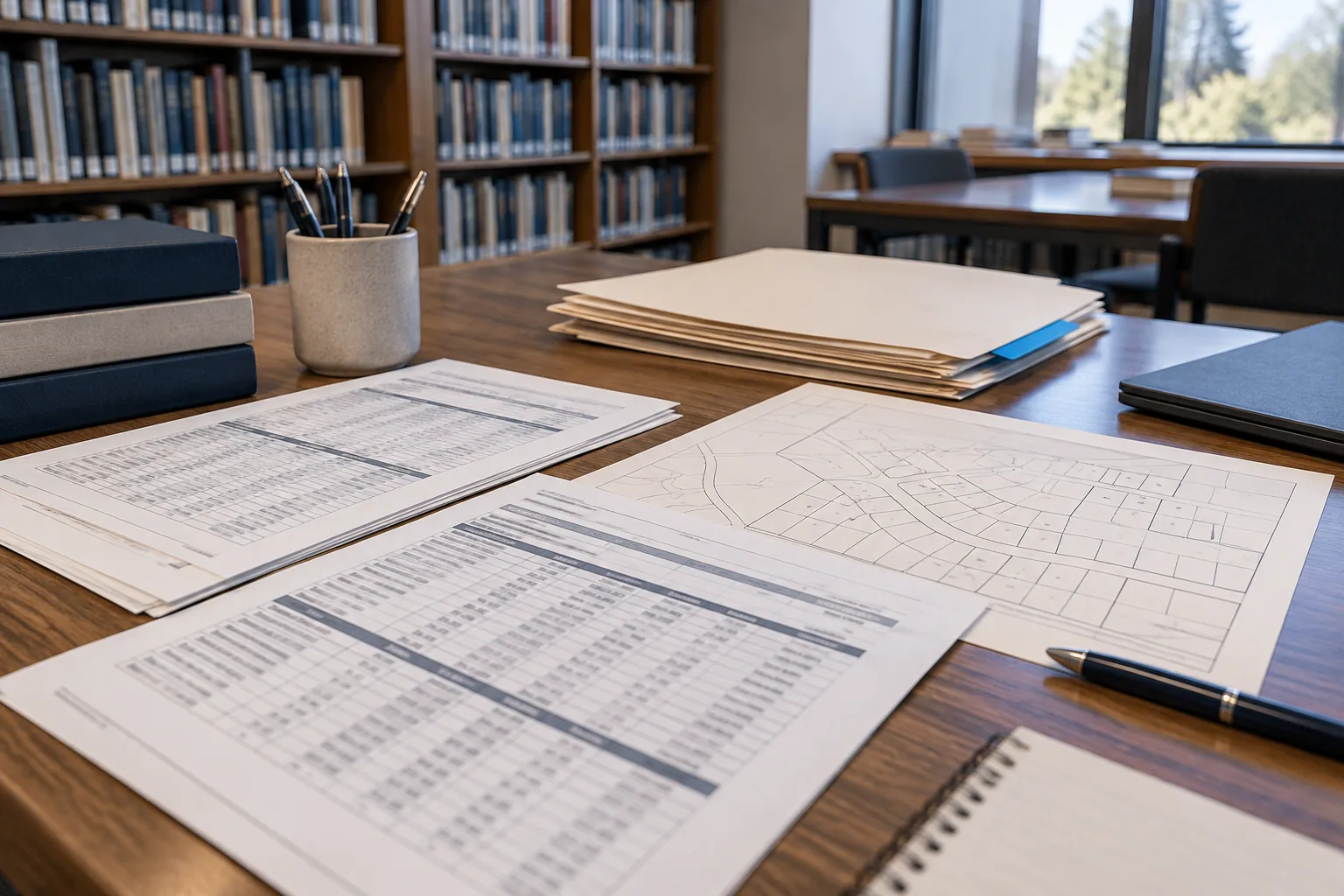
Identify who created the exhibit
An exhibit is not automatically a finding. It may have been filed by a petitioner, a respondent, an assessor, an expert, or another source. Look at the cover page, caption, footer, and docket row. A spreadsheet attached to a petition can present the petitioner’s position; a table in an order can describe the tribunal’s action; a third-party report can set out its author’s analysis. These are not equivalent voices.
If the file has no clear author, do not assign one from the case title. Record “author not shown in available copy” and look for a parent filing or exhibit list. A PDF title such as values.pdf is a storage label, not proof of who prepared the values. A filing may include an exhibit prepared by someone else, so distinguish the filer from the document’s author when the difference matters.
Identify the exhibit’s role. Is it a proposal, appraisal, assessment notice, comparable-sale list, tax bill, or tribunal determination? The same number can carry a different meaning in each setting. A proposed market value in a party’s exhibit should not be reported as the final taxable value. Read surrounding prose and headings before using the grid.
The Michigan Tax Tribunal’s Small Claims materials discuss evidence submitted by parties and the tribunal’s decision process. That is a reminder that a filed exhibit can be part of a dispute, not the resolution of it. If you want to describe an outcome, locate the decision or order and compare its language with the exhibit rather than treating the exhibit as the conclusion.
Preserve the full row-and-column address
A useful table note includes at least the document title, PDF page, table title if any, row label, column label, and value. If the table has grouped headings, include the group. For instance, “PDF page 6, Parcel B row, 2025 column, petitioner’s proposed true cash value” communicates far more than “Parcel B: $320,000.” The added words are not clutter; they prevent the number from being detached from its meaning.
Read headers at multiple levels. A top header may say “Respondent,” a second line may say “2025,” and a third may distinguish “true cash value” from “taxable value.” OCR often flattens those lines into a string and may pair a value with the wrong heading. Use the rendered page to map columns. If the grid spans two pages, check whether the headings repeat and whether a continuation page changes the order.
Rows can also have hierarchy. One parcel may have land, improvements, and total rows. A bold subtotal might cover only a section of the table. A final total may include several parcels. If you quote the land line as the whole property value, the number can be technically transcribed yet materially misleading. Sketch the row structure in your notes before extracting figures.
When a cell is blank, do not infer zero. A blank can mean unavailable, inapplicable, omitted, or intentionally not filled. A printed dash or N/A may also carry a source-specific meaning. Quote the notation or describe the cell as blank rather than converting it into a numeric result.
Separate value types that look alike
Property tax materials can use several value concepts. The Michigan Tax Tribunal’s glossary distinguishes terms such as assessed value, taxable value, and true cash value. A reader should not collapse them merely because all appear as dollar amounts. The label is part of the fact. A figure headed “taxable value” is not automatically an estimate of sale price; a proposed true cash value is not automatically the value adopted by the tribunal.
Copy the source’s full label. If the table abbreviates it, record the abbreviation and check whether a legend defines it. If you cannot establish the label, avoid publishing the figure as a named value type. “The table shows $320,000 in an unlabeled column” may be accurate but usually too weak to support a substantive conclusion.
Some documents compare an initial assessment, a requested value, and a later determination. A table may use “current,” “proposed,” and “revised” without clarifying which party’s perspective controls. Look for a narrative paragraph, filing cover, or decision that explains the sequence. Do not treat left-to-right order as a procedural timeline without evidence.
For a public-record summary, say who asserts a value and where. “The petitioner’s exhibit lists a proposed true cash value of X for 2025” is meaningfully different from “The property’s true cash value was X.” The latter may imply a fact that has not been established by that exhibit alone.

Match every figure to the correct year
A case filed in one year can concern another tax year. An exhibit may include a multi-year history for comparison. The filing year, hearing year, valuation date, and column year are separate. When you take a number from a table, carry the column year into the sentence. A 2024 value should not become a 2025 value because the PDF was uploaded in 2025.
Check whether headings use “tax year,” “assessment year,” “as of” date, or another phrase. Those can differ in a specific source. Do not rewrite them into a preferred term without confirming the equivalence. If a table gives a date but not a year label, cite the date as printed and explain any interpretation separately.
Compare neighboring pages if a year appears only once in a wide table. A header may be on the previous page, while the OCR text for the continuation begins with values. A mobile PDF viewer can crop the leftmost column unless you scroll horizontally or zoom out. Before quoting, ensure that the value and header are on the same table, not adjacent exhibits.
If a later document corrects a tax-year figure, preserve the earlier value and label the version. “Original exhibit” and “corrected exhibit” are better than silently replacing one number in your notes. The correction itself may explain why the first value changed; read it before summarizing the difference.
Match every row to the correct parcel
Parcel numbers are identifiers, not simple arithmetic values. Preserve punctuation, leading zeros, and any suffixes shown. One case may include more than one parcel; one parcel may appear under historical and current numbers. An exhibit may also contain comparison properties unrelated to the parcel being appealed. Do not assume every row describes the subject property.
Look for grouping labels such as “subject,” “comparable,” “parcel,” or “schedule.” A comparable-sale table can contain many addresses and prices, none of which is the assessed value of the subject property. A tax-bill attachment may list payment figures for the same parcel, while an appraisal table lists estimated values. The shared parcel identifier does not make the measures equivalent.
If a parcel number is partly obscured or OCR-uncertain, confirm it visually and, when relevant, compare it with the case overview. Do not fill in unreadable digits from a nearby row merely because they seem likely. “Parcel identifier partly illegible in the available scan” is a valid research note.
For a multi-parcel case, keep a separate row in your notes for each parcel-year-value-type combination. That may create a longer dataset, but it prevents a total across parcels from being mistaken for a value assigned to one property.
Check units, signs, and calculations
Most tables use dollars, but not every number is a dollar amount. Square footage, acreage, millage rates, percentages, dates, ratios, and page numbers can appear close together. Check the unit in the heading and any footnote. A value of 0.45 could be a ratio; 45 could be a percentage or a count; neither should be prefixed with a dollar sign unless the table says so.
Parentheses can indicate a negative number in accounting-style tables, but they can also enclose a note reference. A minus sign may be faint in a scan. If an important total seems inconsistent, inspect the original rendered row and footnotes before announcing an error. Rounding, exclusions, or a missing continuation page can explain differences.
Perform a simple arithmetic check when the table purports to add rows, but do not substitute your calculation for the source. Note “the displayed total differs from the sum of visible rows” if that is what you verified. It is possible the source includes adjustments you did not see. You can report an apparent discrepancy without saying which figure should control.
If a table has formulas, a static PDF usually shows results rather than the spreadsheet logic. You cannot verify hidden formulas from the printout alone. Treat the visible result as a stated figure, and identify who stated it. If the original spreadsheet is publicly available, compare it carefully rather than assuming the PDF and spreadsheet versions are identical.
Read footnotes and qualifiers as part of the table
Footnotes may define an estimate, exclude a parcel, indicate a preliminary number, or point to another source. They can change the meaning of a cell. A table value quoted without its asterisk can overstate certainty. Record footnote markers with the cell and read the matching note before writing your summary.
Page headers and captions matter too. “Illustrative calculation” differs from “final determination.” A label such as “for discussion only” limits what the table asserts. If the exhibit is a party submission, a disclaimer may clarify that figures are not the tribunal’s findings. Do not omit those qualifiers merely to make a shorter sentence.
Sometimes a table reproduces data from another document. Identify that chain when visible: “Exhibit C quotes an assessment notice,” for example. If the original notice is available, consult it for context. If it is not, state that you are relying on the reproduced table. The distinction helps a later reader trace a transcription discrepancy.
An unreadable footnote is a limit on the cell it qualifies. You can still record the visible figure, but avoid strong conclusions about its meaning until the note is resolved. A clearer copy or another source may be needed.
Build a small extraction sheet before writing prose
Use columns for case number, document title, filer or author, docket row, PDF page, table title, parcel or row, tax year or date, value type, amount, unit, footnote, and whether the figure is proposed or determined. Add a link to the exact record and a free-text uncertainty field. This structure makes it harder to mix figures from adjacent tables.
For each extracted row, open the PDF again and point to the source cell. Check the printed header, not only an OCR transcript. If the table is wide, zoom out to see its layout and then in to confirm the digits. Use a second pass for leading zeros, commas, decimal points, and parentheses. Errors in a tax figure often begin with a small visual slip.
Consider a fictional two-parcel case. A petitioner’s exhibit lists Parcel A at $250,000 for 2025 and Parcel B at $180,000 for 2025. A separate respondent table lists different proposed figures, and a later order discusses both parcels. Your extraction sheet should contain separate lines for each parcel and source. Writing “the case valued the properties at $430,000” would add the petitioner’s two figures and imply an official result that the exhibit alone does not support.
The careful version might say: “The petitioner’s exhibit listed proposed 2025 figures of $250,000 for Parcel A and $180,000 for Parcel B; the later order should be consulted for the tribunal’s determination.” The sentence preserves the filer, year, value status, and parcel boundaries. It remains useful even if the later decision reaches another number.
Know when the table cannot answer the question
A table may be incomplete, blurry, or separated from its cover filing. A public archive may lack a referenced exhibit. A later corrected version may exist. In those cases, do not force a single answer. State which figure you saw and what remains unverified. If the research question is the final value adopted, locate the relevant final order or decision rather than assuming the last table in the archive controls.
The Michigan Tax Tribunal’s glossary and official case materials are helpful for understanding terminology, but the exact meaning of an individual exhibit depends on its caption, author, and procedural context. A generic definition cannot resolve an ambiguous cell by itself. Read the whole source chain.
Tables reward patient reading. Keep each number joined to its row, column, year, value type, author, and document location. If you cannot preserve those labels in the sentence, the number may not be ready to publish.
Compare figures without turning difference into error
Different tables in the same case can legitimately disagree because they reflect competing positions, distinct value concepts, different tax years, or a later correction. If one exhibit lists $250,000 and another lists $270,000, do not announce a $20,000 “mistake” until you establish that both cells describe the same parcel, year, value type, and procedural position. A dispute about value is often the reason the case exists.
Write the comparison with source attribution: “The petitioner’s exhibit lists X, while the respondent’s table lists Y.” If a tribunal decision later adopts a figure, cite that decision separately. If a document explains a revision, describe its stated reason rather than inferring one from the arithmetic. A difference can be important without being an error.
Keep your unit of comparison fixed. A whole-property value cannot be fairly compared with a land-only component. A taxable value and a proposed true cash value should not be placed in a single before-and-after sentence as though one replaced the other. A parcel split or combination can also make historical rows noncomparable without further context. When the table does not provide enough information to reconcile figures, report the two labeled values and stop there.
When presenting a table in your own article, consider a small transcription key beneath it. State the source document, PDF page, whether the values were proposed by a party or determined in an order, and what you omitted. If you simplified a wide table, say which columns you retained. A clean-looking summary table should not hide uncertainty that was visible in the original. Let readers open the source and reproduce your selection of rows.
If you extract many rows, perform a second pass in a different order from the first. Reading from the bottom upward can catch a copied year or parcel label that your eyes skipped while moving down a column. A second reviewer can check a sample of the largest values, totals, and rows that drive your conclusion. Keep the original PDF page beside the extraction sheet during this pass; checking against your own first transcription only repeats its errors.
Watch for repeated headers embedded in OCR output. A page break may place a heading between two data rows, and a parser may treat it as another property. Some tables use merged cells that apply one parcel identifier to several value rows. When transforming that layout into a flat spreadsheet, fill repeated identifiers only when the visual table makes the relationship clear. Record the transformation rule so another researcher knows which cells were inferred from layout and which were printed on every row.